
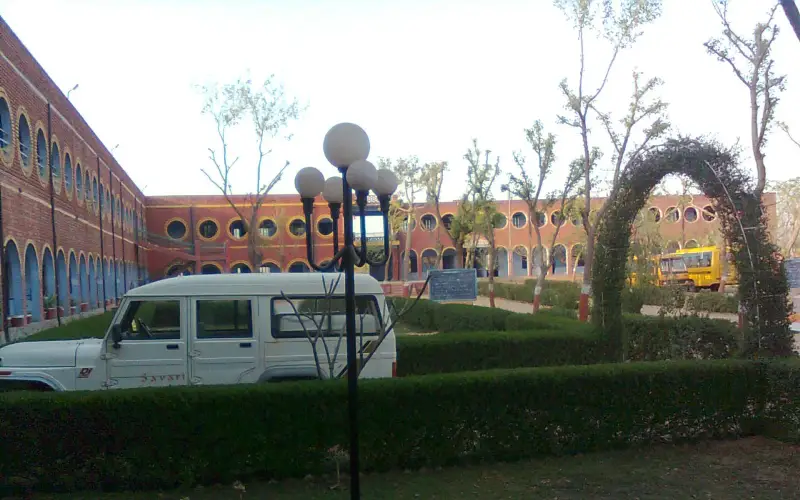
स्वागत है · भिवानी जिला Apna Bhiwani · Haryana
Bhiwani: ସବୁକିଛି ଗୋଟିଏ ଜାଗାରେ
🎤 ମାଇକ୍ ଦବାନ୍ତୁ, କ’ଣ ଦରକାର କୁହନ୍ତୁ Tap the mic and say what you need
ସେବା Services
ସବୁ › ମଣ୍ଡପHalls
 ଡାକ୍ତରDoctors
 ମରାମତିRepairs
 ଖାଦ୍ୟFood
 କୃଷିFarming
 ଶିକ୍ଷାEducation
 ଦୋକାନShops
 ପରିବହନTransport
ଆଜି Today
ଅଧିକ ›ତୁରନ୍ତ ସାହାଯ୍ୟ Quick help
ଆଜି · Bhiwani
⚠️ Report✅ ଏଠାରେ ଏପର୍ଯ୍ୟନ୍ତ କିଛି ନାହିଁ।
ଅଧିକ ସେବା · More Services
ପ୍ରତ୍ୟେକ ଦୋକାନ, ସେବା ଓ ଅଫିସ — କଲ, ହ୍ୱାଟସଆପ ଓ ମାନଚିତ୍ର ସହ।
 ଦୈନନ୍ଦିନ ଆବଶ୍ୟକତାDaily needs
 ନିର୍ମାଣ, ସାମଗ୍ରୀConstruction & materials
 ଗାଡ଼ି ଓ ଗ୍ୟାରେଜVehicles & garages
 ଜମି-ଘର ଓ ଭଡ଼ାReal estate & rentals
 ବିବାହ ଓ ଉତ୍ସବWeddings & events
 ସୌନ୍ଦର୍ଯ୍ୟ ଓ ଫିଟନେସBeauty & fitness
 ହୋଟେଲ ଓ ରହଣିHotels & stays
 ସ୍ଥାନୀୟ ଉତ୍ପାଦMade in Bidar
 ପେସାଦାର ଓ ଅର୍ଥProfessionals & finance
 ନାଗରିକ ସେବାCitizen services
 ଉପାସନା ସ୍ଥଳ, ସମୁଦାୟWorship & community
 Ask Bhiwani
 Your next opportunity
 ଚାକିରିJobs
Apna Bhiwani · भिवानी जिला
Bhiwani କାହା ପାଇଁ ପ୍ରସିଦ୍ଧ
The pride of Bhiwani, Haryana.
ଆଜିର ନୂଆ ଖବର
ଏଠାରେ ଏପର୍ଯ୍ୟନ୍ତ କିଛି ନାହିଁ। Post the first one.
Bhiwani ବୁଲନ୍ତୁ
Plan a trip →Bhiwani district is one of the 23 districts of the northern Indian state of Haryana. Created on 22 December 1972, it was the largest district of the state by area before the creation of Charkhi Dadri as a separate district, as it occupied an area of 4,778 square kilometres (1,845 mi2) and administered 442 villages with…
10 ମିନିଟରେ ଆପଣଙ୍କ ବ୍ୟବସାୟ ଅନଲାଇନ
Just tell us your business name and type — your site is ready instantly. Add photos from your phone. No technical knowledge needed.
- Your own site: name-bhiwani.mydistrict.in
- Bookings, menus or appointments
- WhatsApp, call and map buttons
- UPI payment details & QR poster
- Listed in the MyDistrict app
- Visitor and enquiry reports
ଆପଣଙ୍କ ଜିଲ୍ଲା ଆପଣଙ୍କ ପକେଟରେ
Add MyDistrict to your home screen — it works like an app, even on slow networks. Business owners manage their site, bookings and enquiries from the same app.